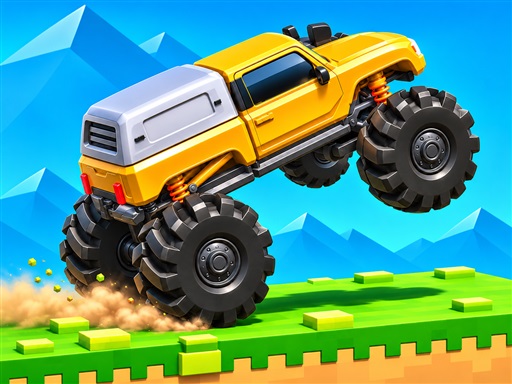
Torque Trail: How to Play
A practical walkthrough written for this specific game.
Torque Trail is a twenty-level monster-truck balance game controlled with forward and reverse input. Bridges, ramps, uneven platforms, and steep obstacles react to the truck’s weight and oversized wheels. Reaching the finish is less about holding acceleration and more about applying the correct amount of throttle at the correct moment.
Throttle changes the truck’s rotation
Driving forward pushes the vehicle ahead and can raise or lower its nose depending on contact. Reverse is not only for travelling backward; it can counter rotation in the air or pull the truck away from an unstable edge. Use brief taps instead of holding either direction automatically.
Climb steep ramps
Build enough momentum before the incline, then reduce throttle near the crest. Continuing at full power can launch the truck into a forward flip. If the front wheels rise too high, a short reverse input can help restore balance.
Cross narrow bridges
Approach straight and at moderate speed. Sudden acceleration makes suspension bounce and can push wheels off the surface. Let the truck settle after a moving bridge or hard landing before starting the next obstacle.
Air control
While airborne, watch the chassis rather than the ground behind it. Use forward or reverse carefully to align the wheels with the landing slope. A nearly level touchdown preserves momentum; landing on the roof or nose ends the attempt.
Descending safely
Release forward input before a steep drop. Allow the front wheels to find the surface, then use a small reverse correction if the truck begins rotating forward. Braking through reverse input is more effective before the angle becomes extreme.
Separate obstacles
Do not treat a whole level as one continuous sprint. Identify a stable platform after each challenge and use it to reset the truck. A calm pause can prevent the suspension movement from carrying into the next ramp.
A finish-line routine
- Observe the obstacle’s slope and landing.
- Build only the momentum required.
- Ease off near the crest.
- Correct rotation with short opposite input.
- Land on the wheels and let suspension settle.
- Restart with a different timing point after a flip.
Learning from restarts
If a jump repeatedly fails, change when acceleration stops rather than simply pressing harder. Physics challenges usually need a timing adjustment measured in a fraction of a second.
Controls
On desktop, hold Right Arrow or D to drive forward. Hold Left Arrow or A to reverse and balance. On mobile, press the right half of the screen to move forward and the left half to reverse. Use Restart after a failed attempt and Settings for audio or visual effects.
Driving questions
Why do I flip at the top of ramps?
You are keeping forward power active too long. Release near the crest and correct with a short reverse input.
How do I land on a slope?
Match the truck’s angle to the landing surface while airborne.
Should I hold acceleration through every level?
No. Controlled taps and pauses are the core of the game.
Torque Trail proves that two controls can still create demanding driving. Manage momentum, balance the heavy chassis, and solve every course one obstacle at a time.
Quick controls
Drive forward with D or Right Arrow and reverse with A or Left Arrow. Balance the monster truck across twenty physics courses without flipping.