Blue Break: How to Play
A practical walkthrough written for this specific game.
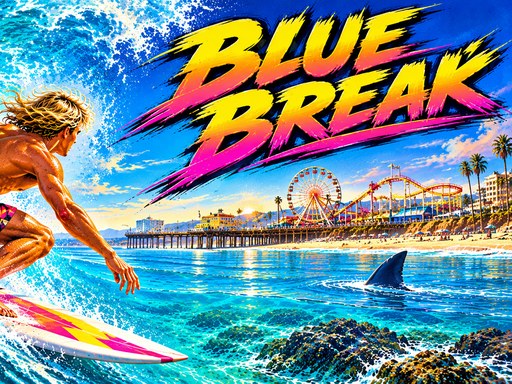
Blue Break is a first-person surfing game about staying ahead of a breaking wave while navigating a crowded line. Other surfers, swimmers, tight obstacles, and a hunting great white shark turn each ride into a balance of speed and control. The browser-based controls work with a mouse on desktop and direct touch input on mobile.
Get established on the wave
The opening paddle and take-off set the rhythm of the run. Accelerate toward open water and avoid steering aggressively before the board is stable. Once standing, look down the line rather than directly at the nose of the board. Early awareness provides time to choose a gap before the wave and crowd close it.
Carving through traffic
Steering should create a smooth arc. Large last-second movements can send the board toward another obstacle. Pick a line between surfers and swimmers, then adjust gradually. When two objects form a narrow gap, enter already aligned instead of trying to turn while passing through it.
Speed and braking
Holding a far point increases speed. Use this when the path ahead is clear or the wave is gaining. Moving toward the bottom slows the board and helps with crowded sections. Braking too long may allow the breaking wave or shark to catch up, so reduce speed only enough to restore control.
Managing the shark
The shark adds pressure on every level. Do not respond by holding maximum speed through every obstacle. A collision costs more time than a brief controlled slowdown. Keep a clean route, accelerate through open sections, and avoid being trapped near the edge of the usable wave.
A reliable surfing rhythm
- Look ahead for the next two obstacles.
- Carve early toward the widest gap.
- Accelerate on open sections.
- Slow briefly before crowded groups.
- Keep corrections smooth inside narrow passages.
- Return to speed as soon as the route clears.
Desktop controls
Steer with the mouse. Hold the click on a point farther ahead to speed up. Move the pointer toward the bottom of the screen to slow down. Keep the pointer movements gradual for stable carving.
Mobile controls
Touch left or right to carve. Hold a far point to gain speed and touch the bottom centre to brake. Avoid covering the most important part of the screen with your hand during obstacle-heavy sections.
Surfing questions
Why do I keep hitting swimmers?
You may be choosing the gap too late. Scan farther down the line and begin the carve earlier.
Should I stay at full speed?
No. Use full speed in clear water and controlled braking when accurate steering matters.
How do I escape the shark?
Maintain momentum through clean lines. Frequent collisions and unnecessary braking give the shark its best opportunity.
Blue Break rewards a surfer who sees the route before it becomes urgent. Combine early carving with selective speed, and the crowded wave becomes a sequence of manageable decisions.
Quick controls
On PC, steer with the mouse, hold a far point to accelerate, and move toward the bottom to slow down. On mobile, touch left or right to carve, hold farther ahead for speed, and touch the bottom centre to brake.