Cozy Garden: How to Play
A practical walkthrough written for this specific game.
Cozy Garden is a calm restoration game about turning neglected outdoor spaces into clean, colourful, and personal places. Each location begins with practical work—removing rubbish, raking leaves, washing paths, and repairing neglected areas—before opening into planting, flower arrangements, and decoration choices. Short mini-games add memory, attention, and reaction challenges between the main tasks.
Follow the restoration order
Begin with rubbish and loose debris because they hide the structure of the garden. Rake leaves after larger waste is removed, then clean paths and surfaces. Decorating too early makes the workspace harder to read and can leave a beautiful object surrounded by unfinished maintenance.
Use the correct tool
On-screen hints show which item belongs to a task. Drag rubbish to the bin, select the rake for leaves, and use cleaning tools on marked surfaces. If an action produces no response, review the target rather than repeating it with greater speed.
Growing flowers
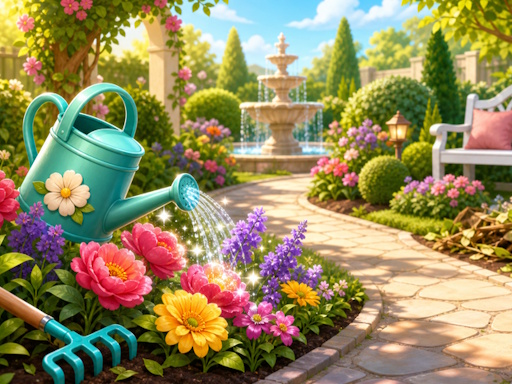
Select seeds and complete the displayed planting and care actions. Think about colour placement before filling every bed. Repeating one flower can create unity, while a contrasting group can become the visual centre of the garden.
Arrangements and decoration
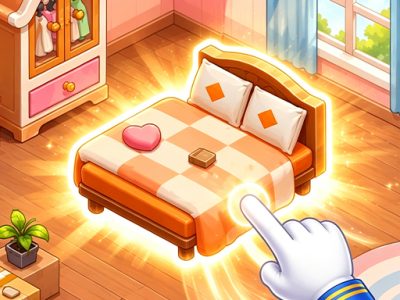
Once the area is clean and plants are established, choose furniture and ornaments that match the space. Large decorations define the layout; smaller details should support them. Keep paths visually open so the finished garden still feels usable.
A comfortable restoration routine
- Choose an unlocked location from the map.
- Remove rubbish and debris first.
- Clean paths and repair visible problem areas.
- Plant flowers according to the available beds.
- Build arrangements around a limited colour palette.
- Add decorations only after the practical work is complete.
Mini-games
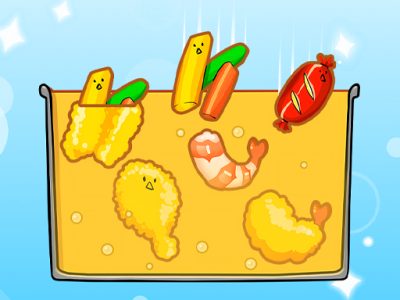
Memory, attention, and reaction mini-games break up longer restoration sessions. Read their instructions before starting, because the skill may differ from the main drag-and-place tasks. Treat them as short challenges rather than rushing back to the garden.
Controls
Select a level on the map with a click or tap. Follow the hints, drag rubbish into the bin, choose the correct tool for cleaning, and perform the shown actions for seeds, plants, arrangements, and decorations.
Questions
Why is a cleaning action not working?
The wrong tool may be selected or another layer of debris may need removal first.
When should I decorate?
After rubbish, leaves, paths, and planting tasks are complete, so the final layout can be judged clearly.
Do mini-games affect progress?
They provide varied challenges within the restoration journey and should be completed according to each level’s instructions.
Cozy Garden rewards patient transformation. Complete the practical work in a sensible order, grow plants with intention, and use decoration to finish a space that already functions well.
Quick controls
Select a garden on the map, follow on-screen hints, drag rubbish to the bin, use the correct cleaning tools, grow flowers, and finish the restored space with arrangements and decorations.