DIY Sticker Dream House: How to Play
A practical walkthrough written for this specific game.
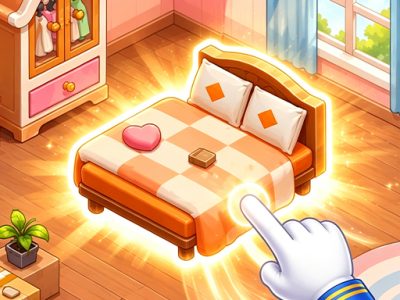
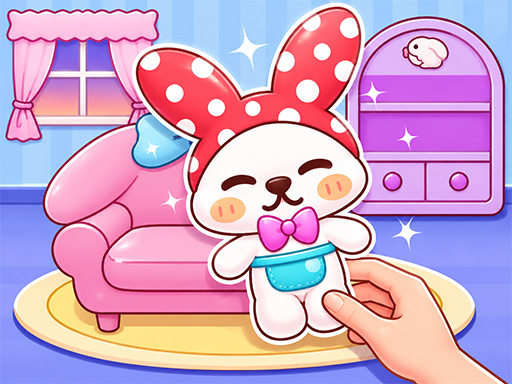
DIY Sticker Dream House is a calm decorating game that turns empty rooms into illustrated living spaces using draggable stickers. Furniture, decorations, and small household details are placed one by one, combining light puzzle-solving with creative arrangement. There is no need for fast reactions; the pleasure comes from recognising each object, testing where it belongs, and watching a blank house gain character.
Study the room first
Before dragging anything, look at the walls, floor, empty outlines, and available stickers. Large objects such as beds, sofas, tables, and cabinets usually establish the room’s layout. Smaller decorations make more sense after those anchor pieces are placed.
Place large items before details
Start with furniture that occupies the most space. It defines walking areas and helps reveal where lamps, plants, cushions, food, and wall decorations can fit. Trying to place tiny items first often creates visual clutter or hides the intended position.
Use shape and context
If the game presents a placement puzzle, compare the sticker silhouette with open areas. Context also gives clues: kitchen tools belong near counters, pillows near seating or beds, and framed art on clear walls. When a sticker refuses to settle, return it and inspect a different zone instead of repeatedly dropping it in the same place.
Create a balanced room
Distribute colour and detail across the scene. Several bright stickers in one corner can make the opposite side feel unfinished. Pair a large focal piece with smaller supporting objects and leave some visible space around important furniture.
Decorating without repetition
A dream house feels more personal when each room has a different purpose. Use cosy elements in the bedroom, practical arrangements in the kitchen, playful details in children’s spaces, and welcoming seating in shared rooms. Do not force every available decorative idea into every scene.
A relaxed design routine
- Identify the room and its main purpose.
- Sort stickers mentally into furniture and decoration.
- Place the largest anchor object.
- Add supporting pieces nearby.
- Fill clear gaps with small details.
- Review the whole composition before continuing.
When a placement seems wrong
Move the sticker slowly and watch for a snap, highlight, or matching outline. Check whether another object must be placed first. Some positions only become obvious after the surrounding furniture is present.
Creative value
The game encourages visual organisation without punishing experimentation. Players can compare colour combinations, notice how scale affects a room, and learn that a few deliberate details often communicate more than a crowded arrangement.
Controls
Use the mouse or a finger to select a sticker, drag it toward the desired place, and release. If it does not stay, try another position or complete a larger object first.
Helpful answers
Where should I begin?
Place the largest furniture item because it establishes the rest of the layout.
Why won’t a sticker attach?
Its target may be elsewhere, partially hidden, or dependent on another item being placed first.
Can I take my time?
Yes. The experience is designed around calm observation and decorating rather than speed.
DIY Sticker Dream House succeeds as a gentle creative break. Build each room from its largest shapes down to its smallest personal touches, and let the finished home develop naturally.
Quick controls
Drag furniture and decorative stickers into place to turn empty rooms into a cosy dream house. Start with large objects, then add the smaller details.